
A careers page or an information-session deck is what a reader uses to decide whether this is somewhere they would work. The illustrations in it can narrow that audience without anyone intending it. This is not a rights question but a selection one.
Look at who appears, across the whole document
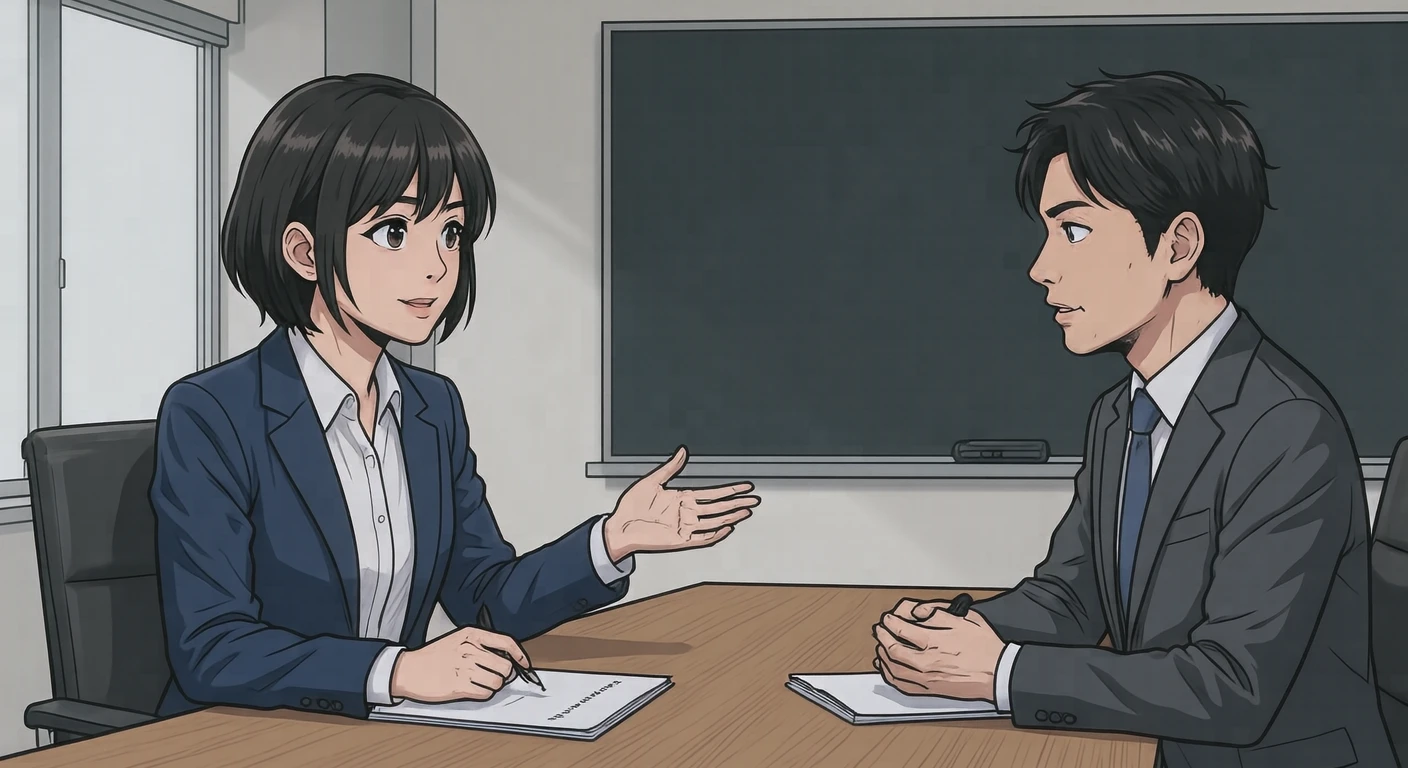
Check whether the ages and genders of the people shown are skewed across the document as a whole. Image by image it may not stand out; read straight through and you may find only one group is ever depicted. Readers are looking, without thinking about it, for someone like themselves. You do not have to cover every attribute. Checking once, straight through, is enough.
Watch how roles are drawn
Explaining and listening, directing and doing — where several figures appear, roles can look fixed. When the pairing of role and attribute is consistent across a whole document in particular, it is read as a message nobody intended.
Dress the figures like the job
Illustrations of everyone in suits are a lie if the real workplace is different. Choose assets in everyday clothes for a casual workplace, and something close to the real thing where there is a uniform. Not leaving new joiners feeling misled is a practical benefit for hiring material, too.
Do not leave out the online round
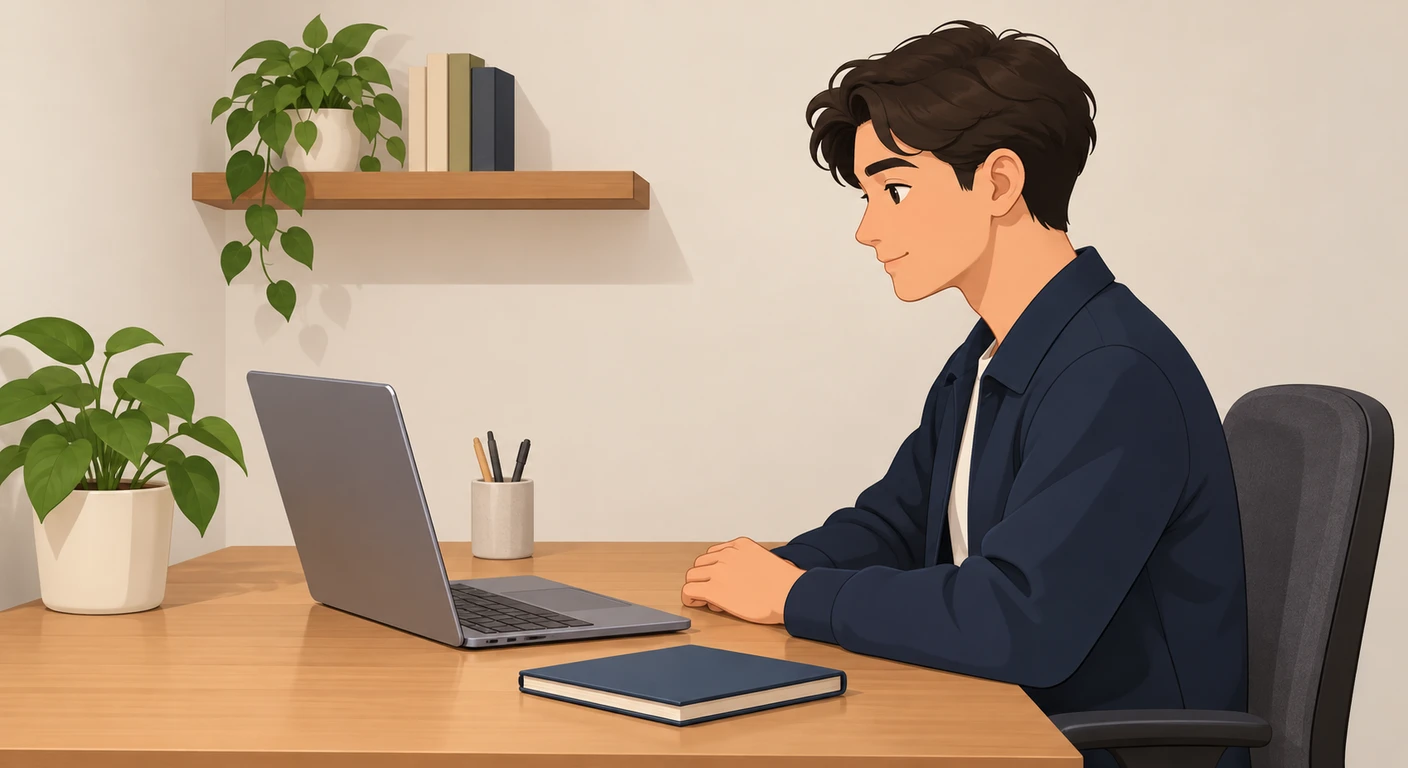
If your selection process includes online interviews, you need assets for that scene too. A document built entirely from in-person interviews does not match the actual process. What candidates worry about first is usually the format they have least experience of. An interview through a screen raises points an in-person one does not — background, lighting, where to look — so if the document touches on them, pictures of that setting get the message across better.
Use photographs and illustrations for different jobs
If you can show real employees in photographs, that gets more across. Illustration suits the places where you want to convey a situation without pointing at a particular person. The flow of an interview, the stages of selection, how people work — abstract content like this suits illustration. Where photographs and illustrations share a page, keeping the illustration in a supporting position settles better.
Keep expressions restrained and styles matched
Overly bright expressions end up looking staged. Calmer faces make the content of the document easier to believe. If you set several scenes side by side, match the style too. How to do that is compared with real rows of pictures in “Why several illustrations in one document look mismatched”.
About Visual Hub assets
We have assets of in-person interviews across a desk and of online interviews taken from home. The ages and dress of the people differ from asset to asset, so lay them out across the whole document and check before choosing.