
The same scene drawn in a different style ends up with a different file size, looks different when printed in black and white, and leaves a different amount of room for text. On October 26, 2026 we loaded the 5,589 illustrations on this site whose style is recorded and measured three things for each of the 18 styles.
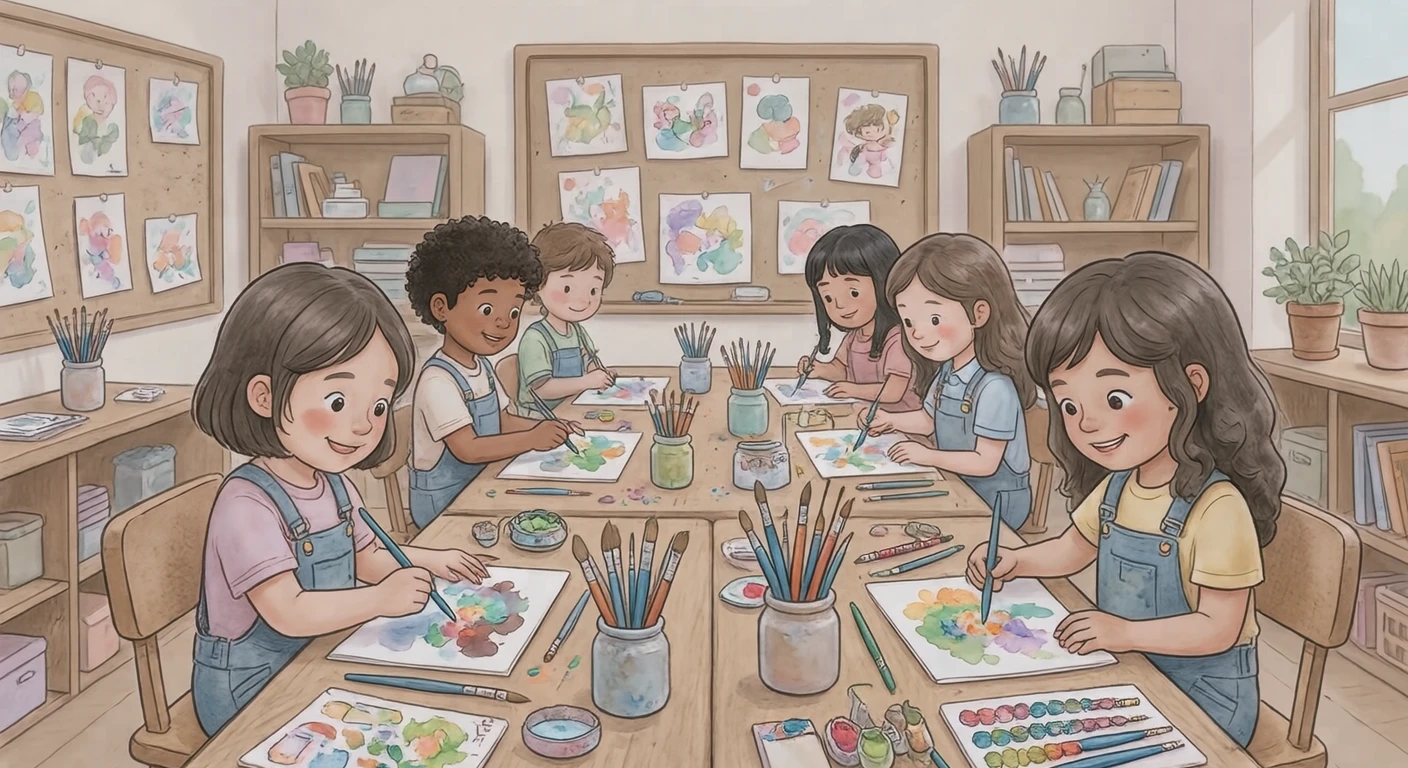
What we measured
- File size: the size of the WebP file we distribute, and of the same picture saved as PNG and as JPG (quality 92)
- Edges lost in black and white: of the places where one color meets another, the share that keeps almost no difference in lightness once the picture is turned gray. It shows how much of the picture is told apart by color alone
- Plain space for text: the picture is divided into a fine grid, and we take the largest rectangle made only of squares with no lines or patterns, as a share of the whole picture
Each figure in the tables is the median: the middle value when that style's pictures are lined up in order. The style names link to the illustrations in that style.
File size
Across all pictures, the median was 143KB as WebP, 1,302KB as PNG and 227KB as JPG. The same picture becomes about 8.5× larger as a PNG and about 1.6× larger as a JPG.
| Flat illustration | 430 | 52KB | 473KB | 107KB |
| Soft 3D | 343 | 86KB | 1,101KB | 159KB |
| Simple line art | 361 | 100KB | 766KB | 171KB |
| Isometric | 354 | 106KB | 957KB | 186KB |
| Soft pastel | 393 | 106KB | 1,011KB | 180KB |
| Bold graphic | 361 | 115KB | 1,019KB | 196KB |
| Chibi | 189 | 127KB | 1,222KB | 216KB |
| Loose cartoon | 264 | 132KB | 1,117KB | 215KB |
| Paper cut-out | 330 | 134KB | 1,387KB | 214KB |
| Pixel art | 276 | 142KB | 1,318KB | 241KB |
| Anime cel-shaded | 266 | 145KB | 1,322KB | 234KB |
| Gouache | 358 | 181KB | 1,788KB | 265KB |
| Watercolor | 352 | 205KB | 1,902KB | 290KB |
| Hand-drawn | 335 | 223KB | 1,682KB | 306KB |
| Colored pencil | 386 | 289KB | 2,281KB | 354KB |
| Retro print | 341 | 347KB | 2,280KB | 405KB |
| Realistic | 126 | 348KB | 2,375KB | 410KB |
| Oil painting | 124 | 547KB | 3,797KB | 604KB |
The lightest WebP files came from the flat illustration, soft 3D, and simple line art styles, and the heaviest from the oil painting, realistic, and retro print styles. Styles painted in flat or smooth color are light, and styles that draw in brush marks, paper grain or print texture are heavy.
How much a file grows as a JPG also depends on the style: the most for flat illustration (about 2×) and the least for oil painting (about 1.1×). Pictures in flat color get especially small as WebP, so the gap to JPG widens.
For a blog or site that should load quickly, keeping the WebP file is the most effective choice. If a WebP file will not open, see What Is WebP? What to Do When a Downloaded Image Will Not Open.
Color edges that disappear in black and white
Class newsletters and handouts are often printed in black and white. Two colors that look clearly different on screen, such as red and green, turn into much the same gray if their lightness is close, and the edge between them disappears. Below, the same interview scene drawn in two styles has been turned gray on screen.
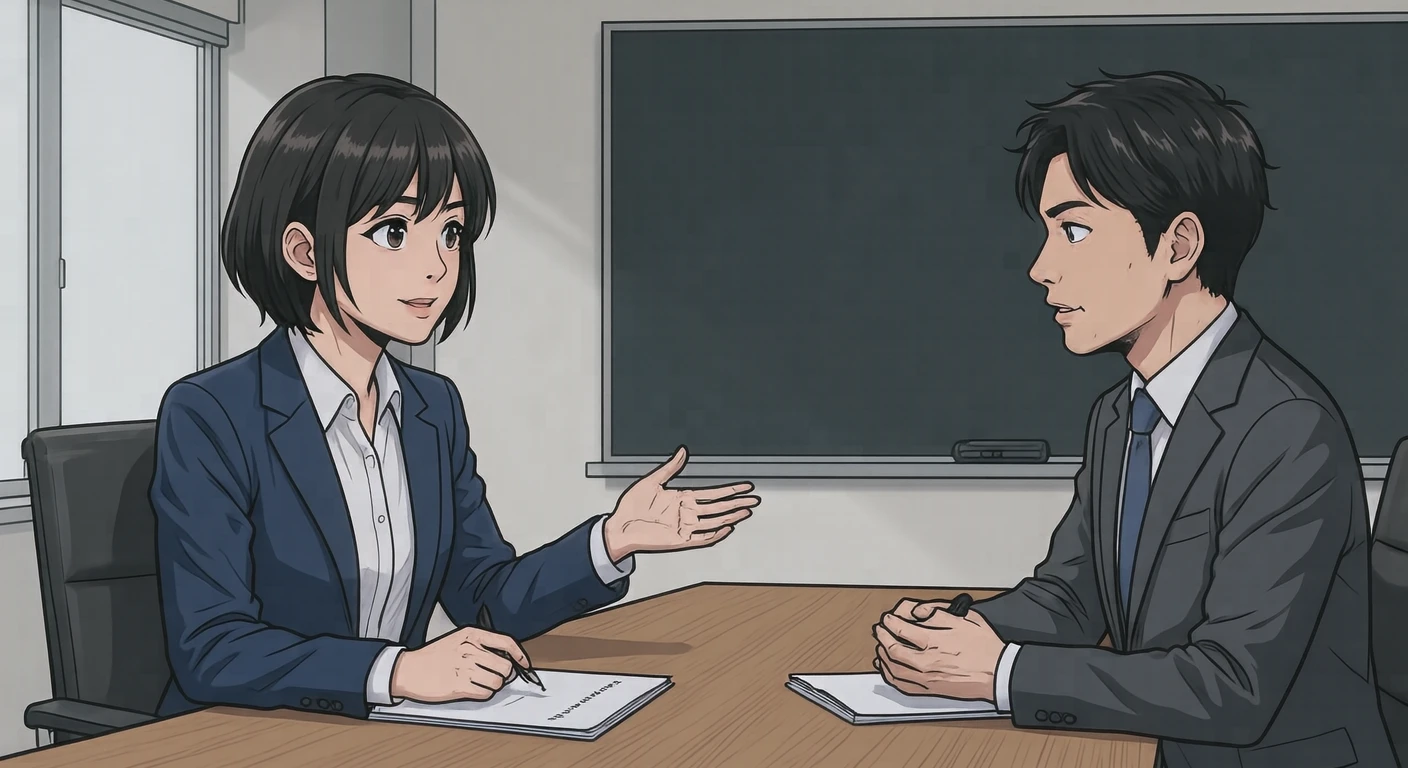
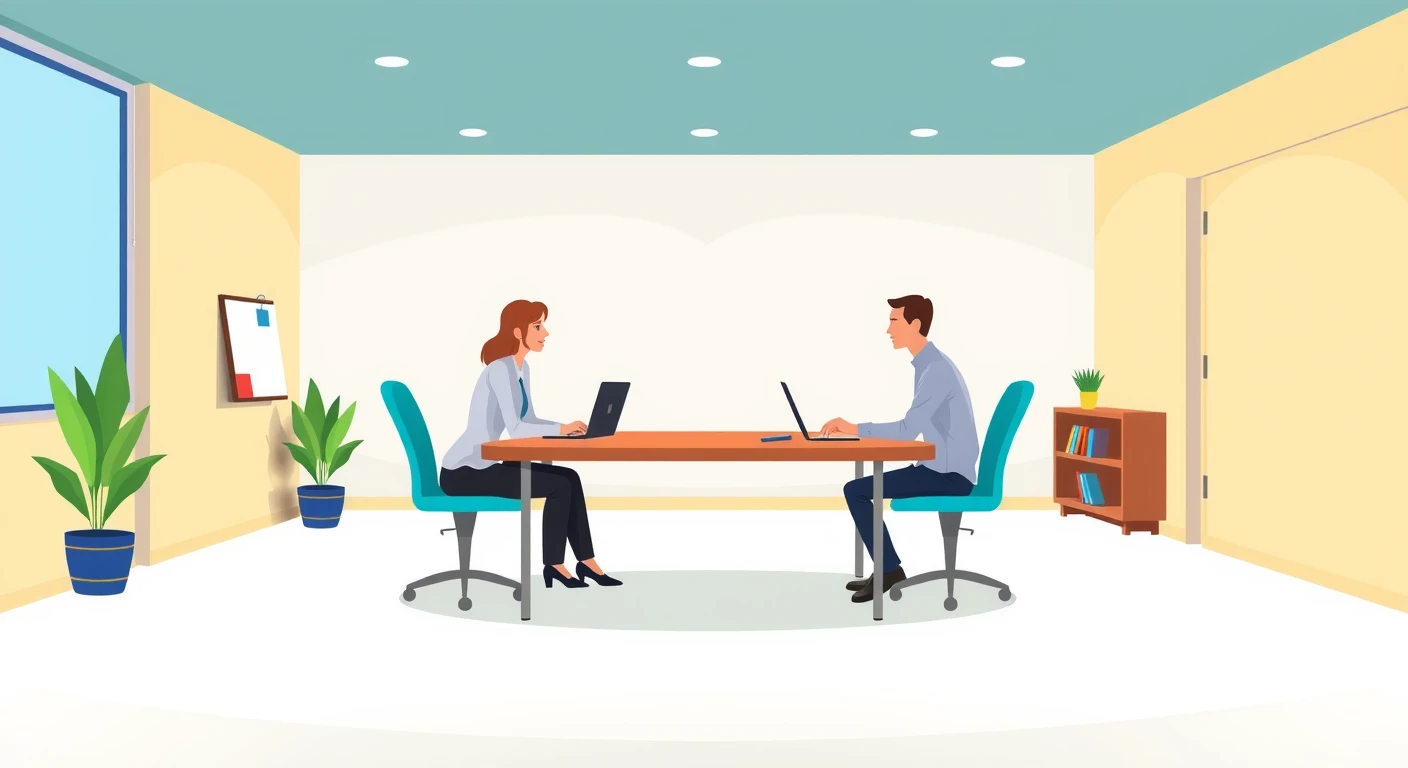
| Simple line art | 361 | 1.7% |
| Hand-drawn | 335 | 2.6% |
| Anime cel-shaded | 266 | 3.9% |
| Bold graphic | 361 | 4.7% |
| Retro print | 341 | 5.0% |
| Chibi | 189 | 5.1% |
| Watercolor | 352 | 5.1% |
| Loose cartoon | 264 | 5.3% |
| Soft pastel | 393 | 5.5% |
| Colored pencil | 386 | 5.6% |
| Paper cut-out | 330 | 5.9% |
| Realistic | 126 | 6.2% |
| Gouache | 358 | 6.3% |
| Soft 3D | 343 | 6.3% |
| Pixel art | 276 | 6.7% |
| Isometric | 354 | 7.5% |
| Flat illustration | 430 | 7.8% |
| Oil painting | 124 | 9.5% |
The fewest edges were lost in the simple line art, hand-drawn, and anime cel-shaded styles, and the most in the oil painting, flat illustration, and isometric styles. Styles that draw outlines keep their shapes in line even when the color differences vanish. Styles that fill areas of color without outlines, and oil painting, which builds shapes from shades of color, tend to put colors of similar lightness side by side, so their edges disappear more easily in black and white.
For how to place and check pictures on a page printed in black and white, see Illustrations in class newsletters: deciding size and placement.
Plain space for text
When you put a title over a picture for a thumbnail or a cover slide, it reads best over an area with no lines or patterns. Across all pictures the median was 6.3% of the picture: most pictures are drawn edge to edge. Pictures with plain space covering at least 20% of the picture made up 13.4% of the total.
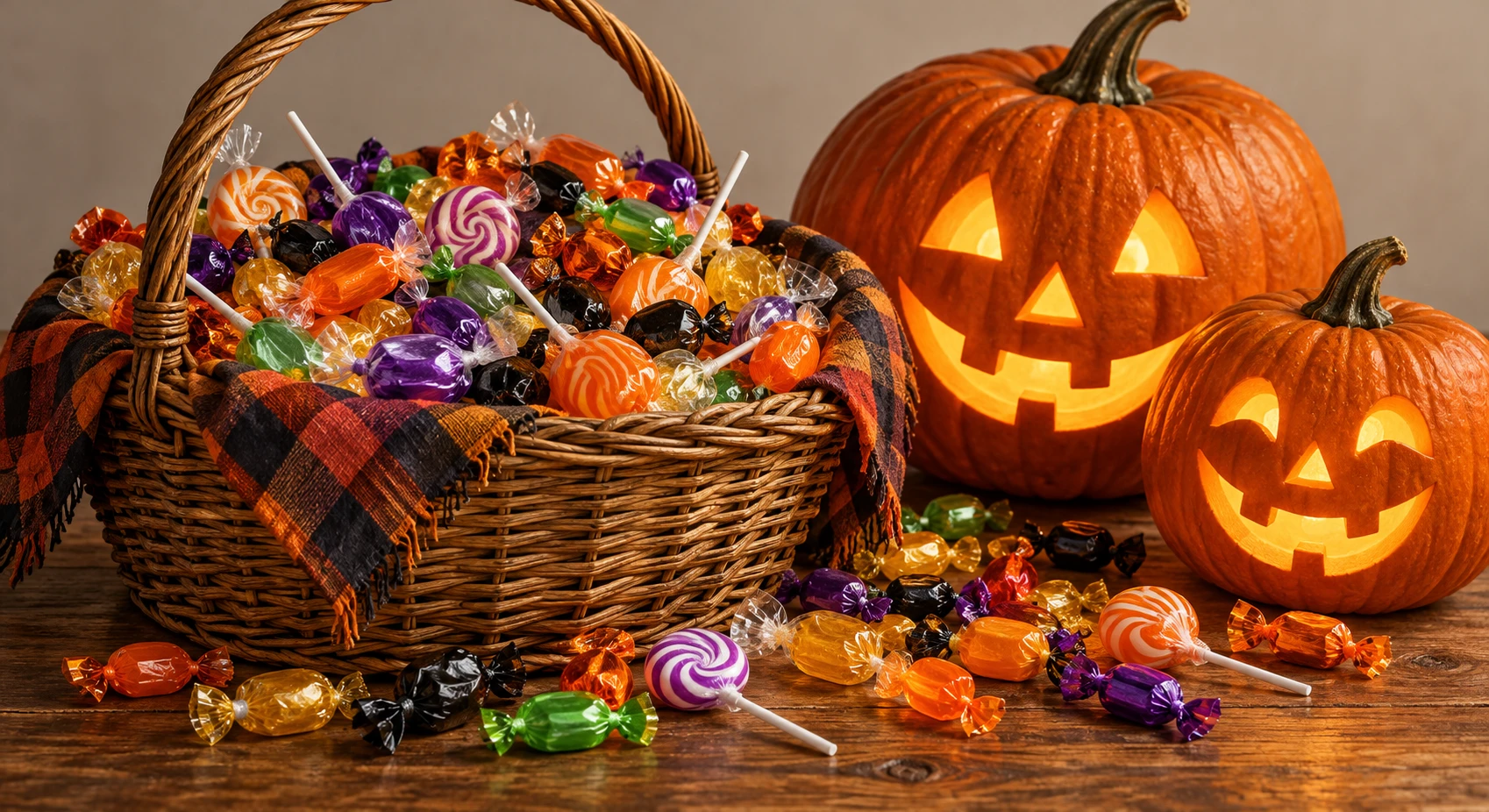
| Flat illustration | 430 | 12.5% | 24.4% |
| Simple line art | 361 | 12.5% | 24.4% |
| Soft pastel | 393 | 8.2% | 19.6% |
| Bold graphic | 361 | 7.0% | 15.8% |
| Isometric | 354 | 7.0% | 13.8% |
| Hand-drawn | 335 | 6.3% | 10.4% |
| Loose cartoon | 264 | 6.3% | 8.3% |
| Paper cut-out | 330 | 6.3% | 18.2% |
| Soft 3D | 343 | 6.3% | 15.5% |
| Colored pencil | 386 | 5.9% | 9.6% |
| Gouache | 358 | 5.5% | 11.7% |
| Retro print | 341 | 5.5% | 10.9% |
| Pixel art | 276 | 4.7% | 6.2% |
| Watercolor | 352 | 4.7% | 13.4% |
| Chibi | 189 | 4.3% | 3.2% |
| Anime cel-shaded | 266 | 3.7% | 4.5% |
| Realistic | 126 | 3.1% | 2.4% |
| Oil painting | 124 | 2.1% | 0.8% |
The most plain space was in the flat illustration, simple line art, and soft pastel styles, and the least in the oil painting, realistic, and anime cel-shaded styles. Oil painting and realistic pictures are painted all the way to the edges, so almost no plain space is left.
When a picture has little plain space, a band behind the text keeps it readable. With the Thumbnail Maker, you can crop a picture to the size you need, add a band and text, and save it. For how much text a thumbnail can hold, see YouTube thumbnail size, and how much text fits.
Styles that suit each use
- Handouts printed in black and white: simple line art, hand-drawn, and anime cel-shaded
- Thumbnails and covers with text on top: flat illustration, simple line art, and soft pastel
- Pages that should load quickly: flat illustration, soft 3D, and simple line art
Appearing in all three: simple line art.
Still, choose a style first by whether it suits the content and the readers. Use these figures to decide between two or more candidates. For keeping several pictures consistent in one document, see Why several illustrations in one document look mismatched.
How we measured
- The 5,589 illustrations published on October 26, 2026 whose style is recorded. Profile pictures and icons are not included. Pictures are grouped by the style specified when they were made
- Sizes of 1024×1024, 1408×768, 1254×1254, 1698×926 pixels make up 99% of the pictures. The mix of sizes differs a little between styles, so read the file sizes as a rough guide per picture
- PNG and JPG files were written with an image-processing library: PNG at its default compression, JPG at quality 92. Sizes change with the software used
- For lost edges, each picture was scaled down and pairs of nearby points were compared. A pair whose color difference (CIE L*a*b*) was 20 or more counted as an edge, and an edge whose lightness (L*) difference was under 8 counted as lost. Real prints also vary with the printer and paper
- For plain space, each picture was scaled down and divided into squares, and a square counted as plain when its lightness and color varied little. Faint paper texture and gentle color gradients count as plain
* Figures measured in October 2026.