
When you place a downloaded asset on your site, it is not always obvious what belongs in the alt attribute. Pasting in the description from the asset page is not necessarily the best answer, because the same picture calls for different text depending on how it is placed. Here we place one picture three ways and compare.
Alt text says what the image conveys in that spot
Alt text is read in place of the image where the image is not displayed, or where the page is read aloud. What belongs there is not what the image looks like but what it conveys in that spot. The W3C's accessibility tutorials (WAI) say to use an empty alt for images that are there as decoration, and that an empty alt can also be used for an image whose content the adjacent text already describes.
Placement 1: decoration between sections of an article
Here the picture sits under a heading in an article called “Preparing for an online interview”, to set the mood.

<img src="interview.webp" alt="">That is not the same as leaving the attribute off. Omit it and some environments read out the file name instead. Writing it empty states that you deliberately decided no description was needed.
Placement 2: as a figure that explains the arrangements
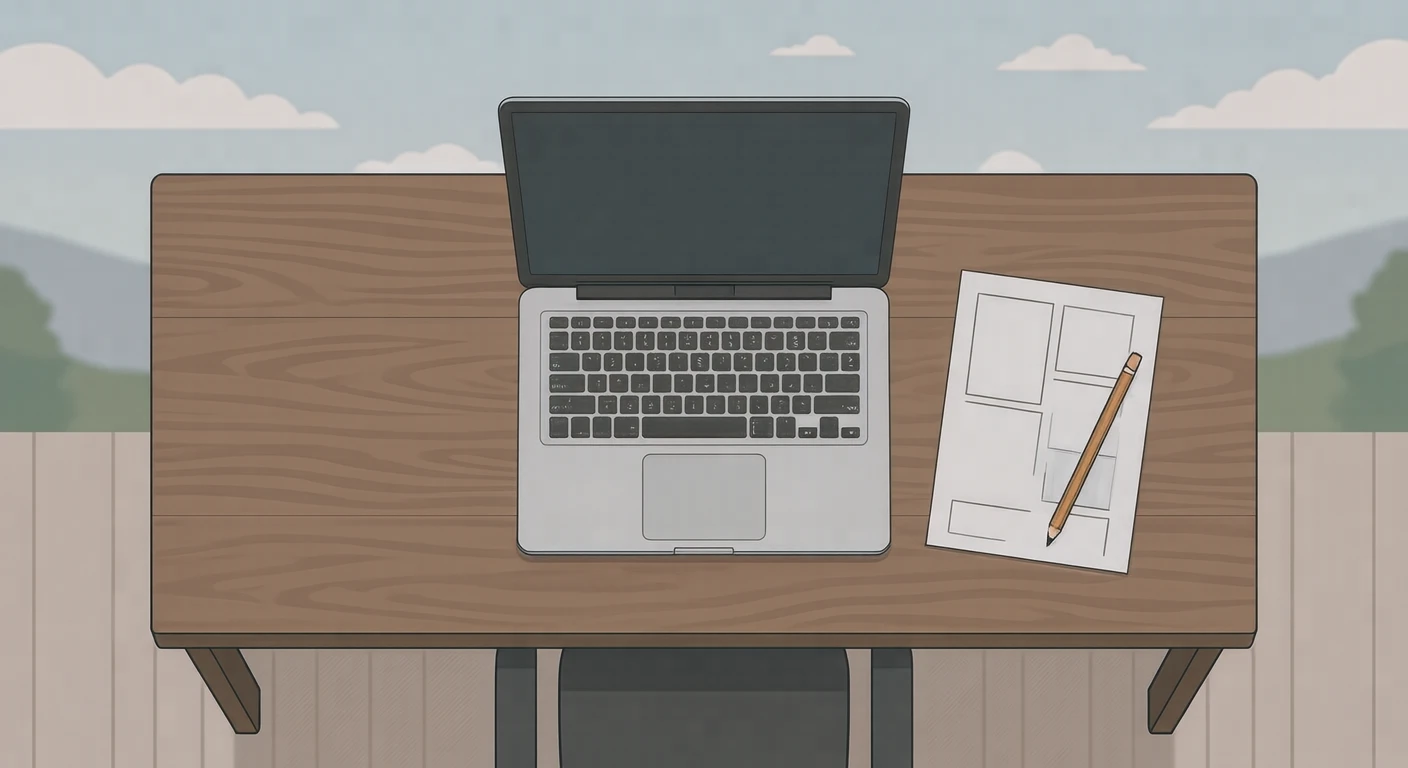
Here the picture sits next to the notice “You can take the interview from home”, and the picture itself conveys that the interview is taken from home, on a computer.
<img src="interview.webp" alt="Taking an interview on a laptop at a desk at home">Placement 3: with a caption right below
Here the figure has the caption “Taking an interview on a laptop at a desk at home” underneath. Write the same thing in alt and a screen reader reads the same sentence twice in a row. In this case, leave the alt empty.
What to avoid
<img src="interview.webp" alt="Online interview illustration"><img src="interview.webp" alt="interview illustration free online interview remote work job change">How long it should be
One sentence is almost always enough. For a chart or diagram that needs detailed explanation, write that in the body text and let the alt point to it. Long alt text is a burden in screen readers that cannot be stopped partway through.
About Visual Hub assets
Our assets come with descriptions in Japanese, English, Chinese and Korean, but those are there to help you find assets. When you place one on your site, rewrite it for the context, as shown above.
Sources
- W3C WAI: Decorative Images
Information as of September 2026, when this article was written.