
AI, the cloud, data. Material that explains things with no physical form ends up relying on metaphorical pictures. Metaphors are useful, but the picture can make a claim of its own, separate from the text. Put a humanoid robot on a slide that says "We use AI to draft replies" and readers may take it to mean "a robot handles the replies for us". Here is what each common metaphor ends up saying.
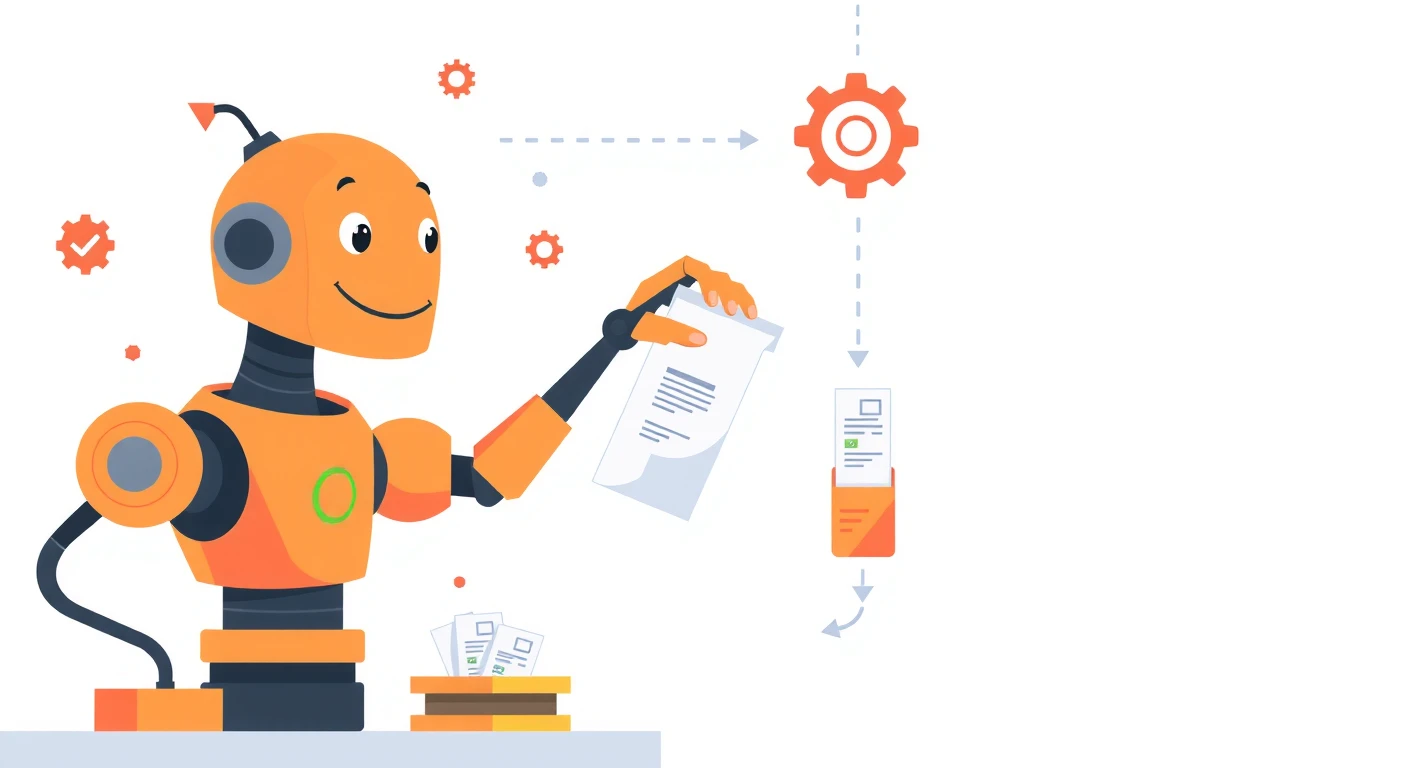
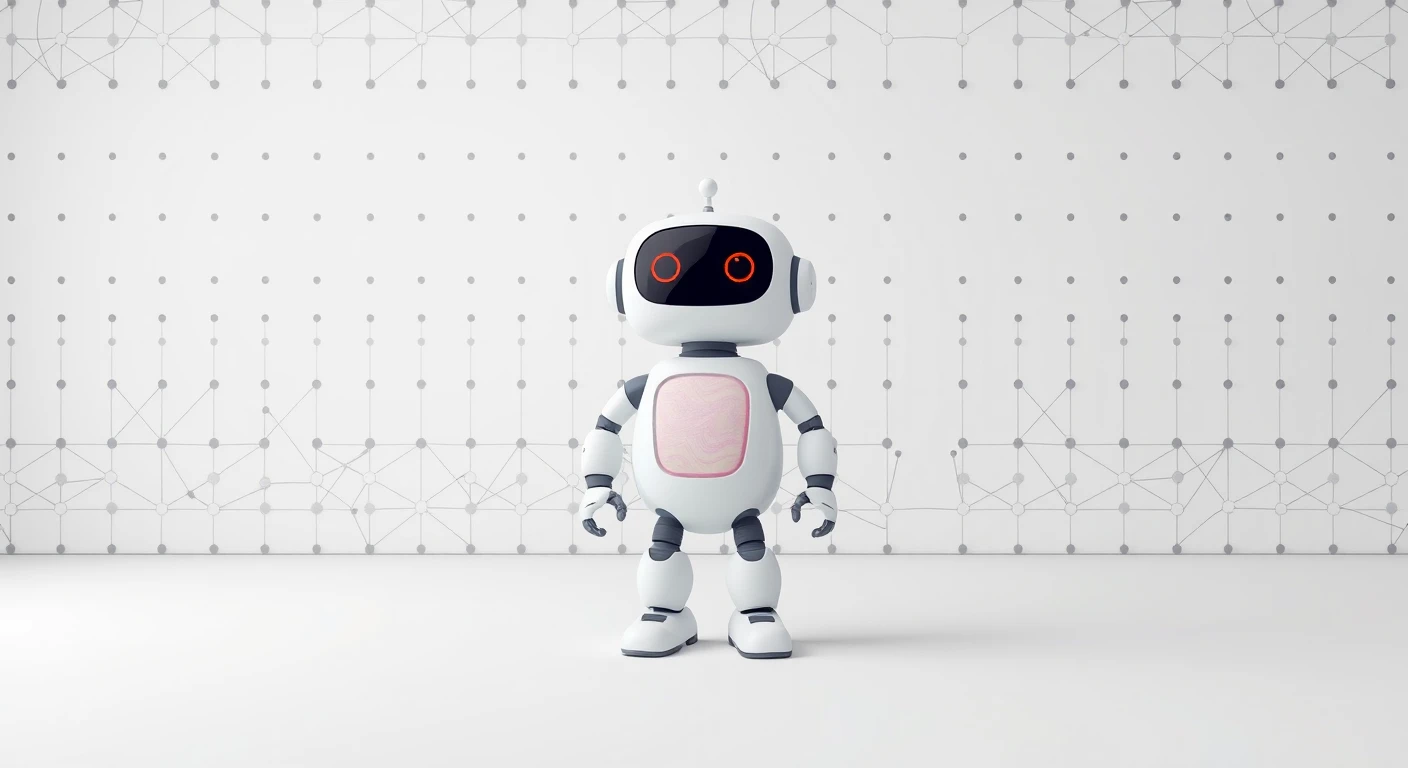
Robots: "the machine acts on its own"
A humanoid robot suggests something with a body that makes its own decisions and acts on them. It suits explanations of systems that keep running without human hands, such as the automation of routine work. A picture of a robot receiving and processing documents even conveys what is being automated.
When explaining AI as a tool that people use, though — for drafting or summarising text, say — a humanoid robot overstates things. If a person checks the result and sends it, the person is the main character.
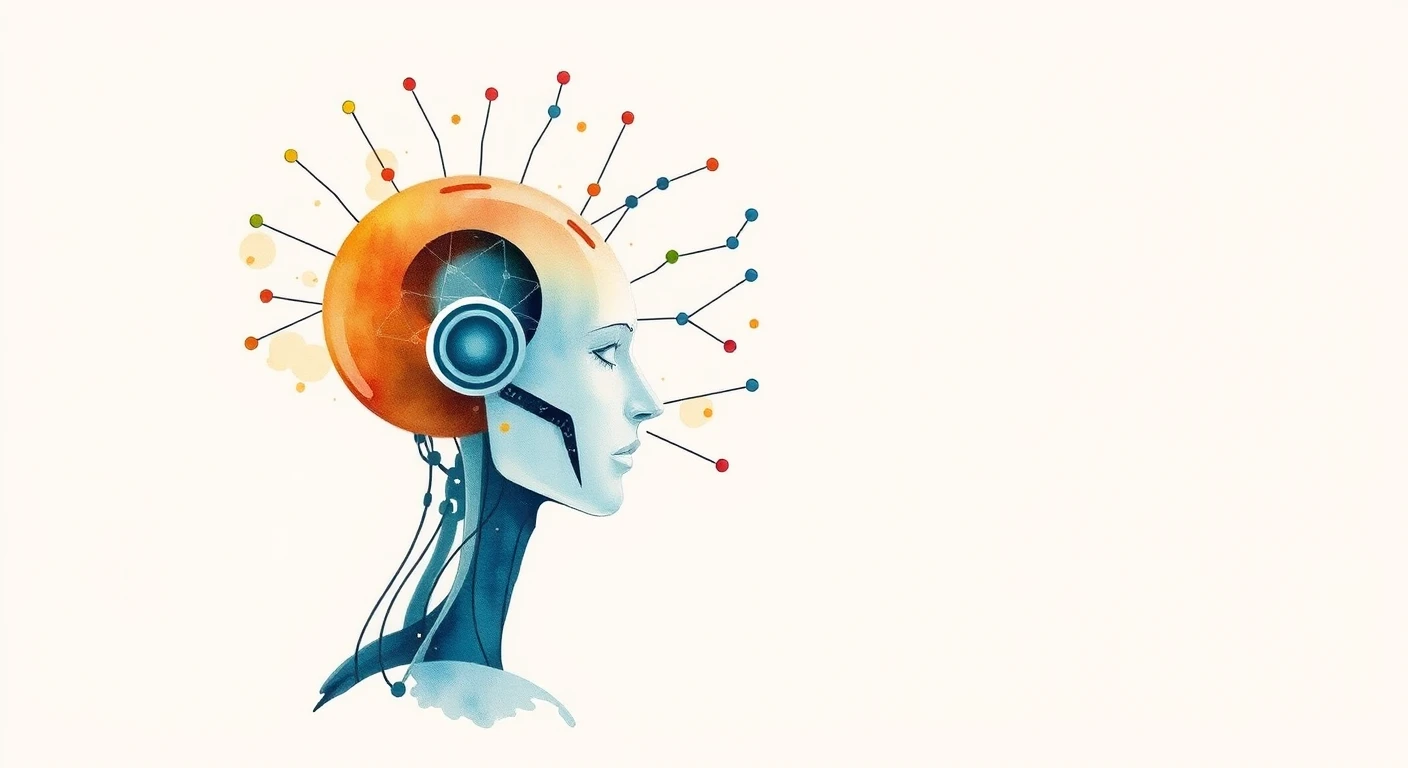
A human head and a network: "the machine thinks"
A picture of lines extending from a human profile likens AI to human thought. Where the aim is to convey a theme as an impression — the cover of a talk, the header of an article — it is a strong picture. Put it on a page that explains how the technology works or where its limits lie, though, and it encourages the reading that "it understands the way a person does". It does not suit pages about accuracy or errors.
Dots and lines: only "connections and calculation"
A diagram of nothing but dots and lines is a restrained metaphor. Because it claims little, it is also unlikely to mislead. For explaining how machine learning works, or for more technical material, it fits better than a humanoid or a human head.

Cloud: a cloud on its own only says "somewhere"
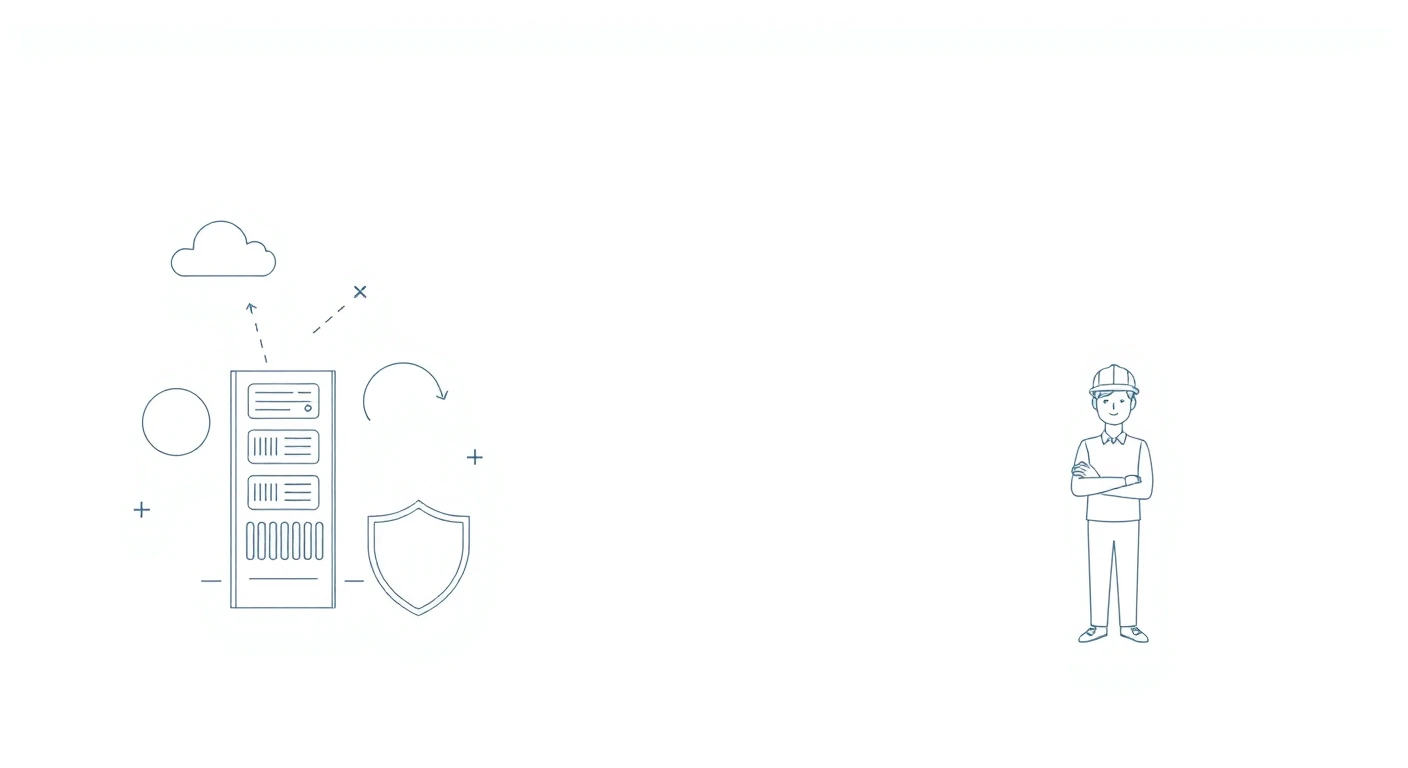
A cloud shape says nothing more than "it is somewhere far away". For backup or migration, a picture that shows what happens between which parts — such as a server, a cloud and a shield joined by lines — supports the text better. If you are talking about actual equipment, as with incident response or monitoring arrangements, a person standing in front of a server rack is more concrete than a cloud.
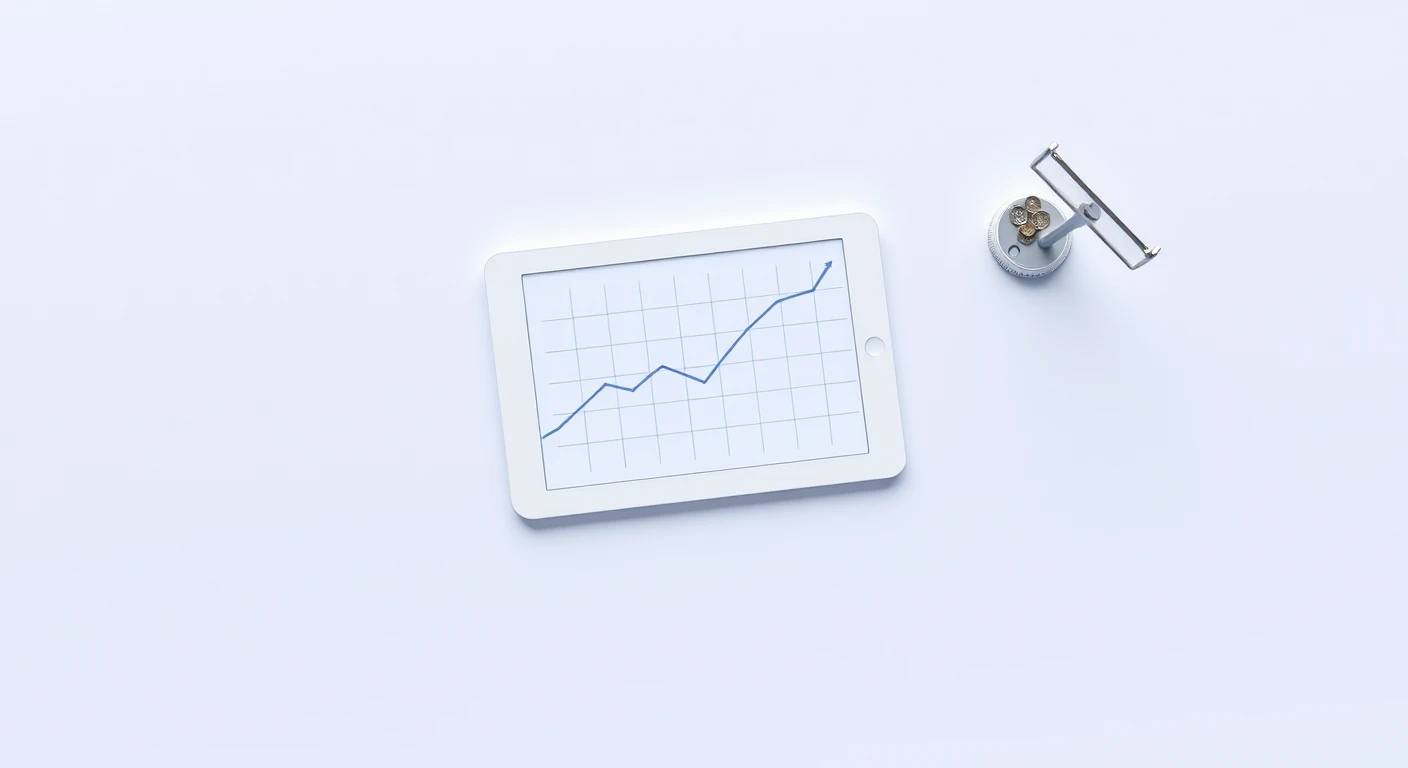
A rising line: it declares "this is growing"
A line climbing to the right claims growth all by itself. It fits a report on results that went up, but on a plan or target page it makes growth that has not happened yet look as if it already has. Put it in a report where the numbers are flat or falling, and the picture and the text say opposite things. Use a chart picture only when it matches the direction of the numbers in the text.
When in doubt, use a person and a screen
When a metaphorical picture does not fit the text, a picture of a person working at a screen or with documents is the safe choice. The text says which technology it is; the picture says only that people use it in their work. Because it claims little, nothing drifts out of line.

Before choosing, write the text as one sentence
Every judgement above depends on first knowing what the text is saying. Before you look for a picture, write down in one sentence what that page needs to say. Set that sentence beside what the picture claims; if they do not contradict each other, use it.