
Each one looked fine on its own, and then the set fell apart. It happens constantly when putting a document together. The cause is not taste: specific things are out of step. Here they are, strongest effect first.

Match the drawing style first
Style has the biggest effect of all. The two rows below each show three pictures of people working in an office.



They are all set in the same kind of office, yet the three look as if they came from different documents. Seen one at a time, none of them is a bad picture.

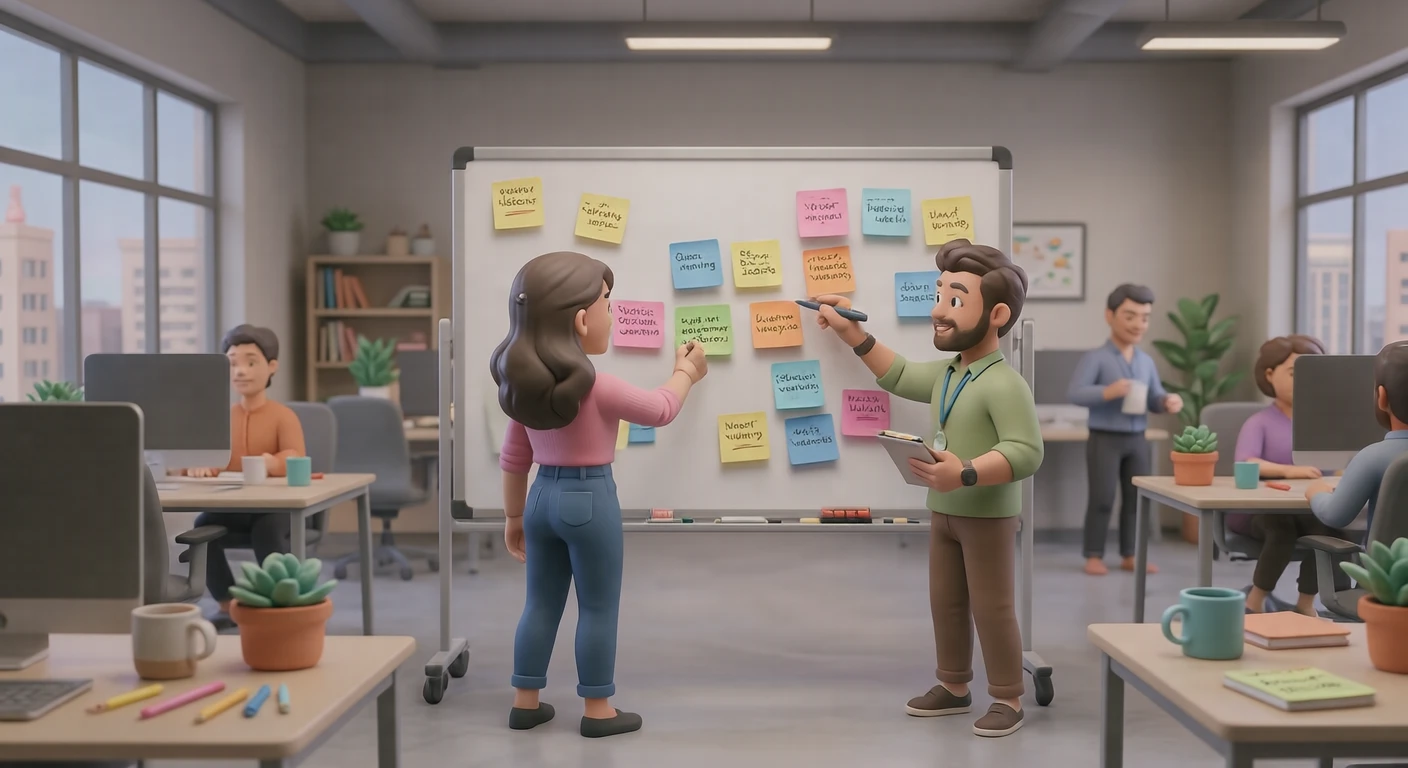

These scenes are all different, but they share the same 3D style, so they read as pictures from one document. Matching the style does more than matching the scene.
Changing the order of your search makes this easier. Rather than finding subjects and reconciling styles afterwards, settle the style first and look for subjects within it. It is quicker.
Then match the palette
Even in one style, warm and cool tones together fail to settle. If the document has a base colour, choose assets whose palette leans towards it. If it does not, the simple answer is to take the palette of the first image you picked as the reference. Everything does not have to match exactly; as long as the base is shared, differing accent colours will not break it.
Composition can vary — the aspect ratio should not
Composition — subject centred, or pushed to one side — is better varied than matched, or the set becomes monotonous. The aspect ratio, though, should match. Landscape and square alternating down a page leaves the row heights uneven and the eye unsettled. Decide by use — landscape for slides, square for grids — and the question goes away.
Match how people are drawn
When several assets contain figures, differences in proportion or in how much of the face is drawn put two different worlds in one document. If you are using people, choosing from within one style is the surest route.
Sometimes using fewer is faster
If matching feels hard, consider using fewer images. One image with space around it reads better than three on a page that do not agree. Illustrations are there to help understanding, not to fill space.
Finding matching assets on Visual Hub
All the samples above are our assets. Every asset carries a style tag, so once you find one you like, following that tag lists only the assets in the same style. Asset pages show the same scene in different styles side by side, so you can compare them and pick the style that suits your document.