
A profile picture is chosen at one size and seen at another. The settings screen shows it large; feeds and comment threads shrink it to a fraction of that. Choose without allowing for the difference and you end up with a picture nobody can make out.

Shrink it before you decide
Once you have a candidate, actually display the image small and check it. Below are two images, each at the same three sizes.
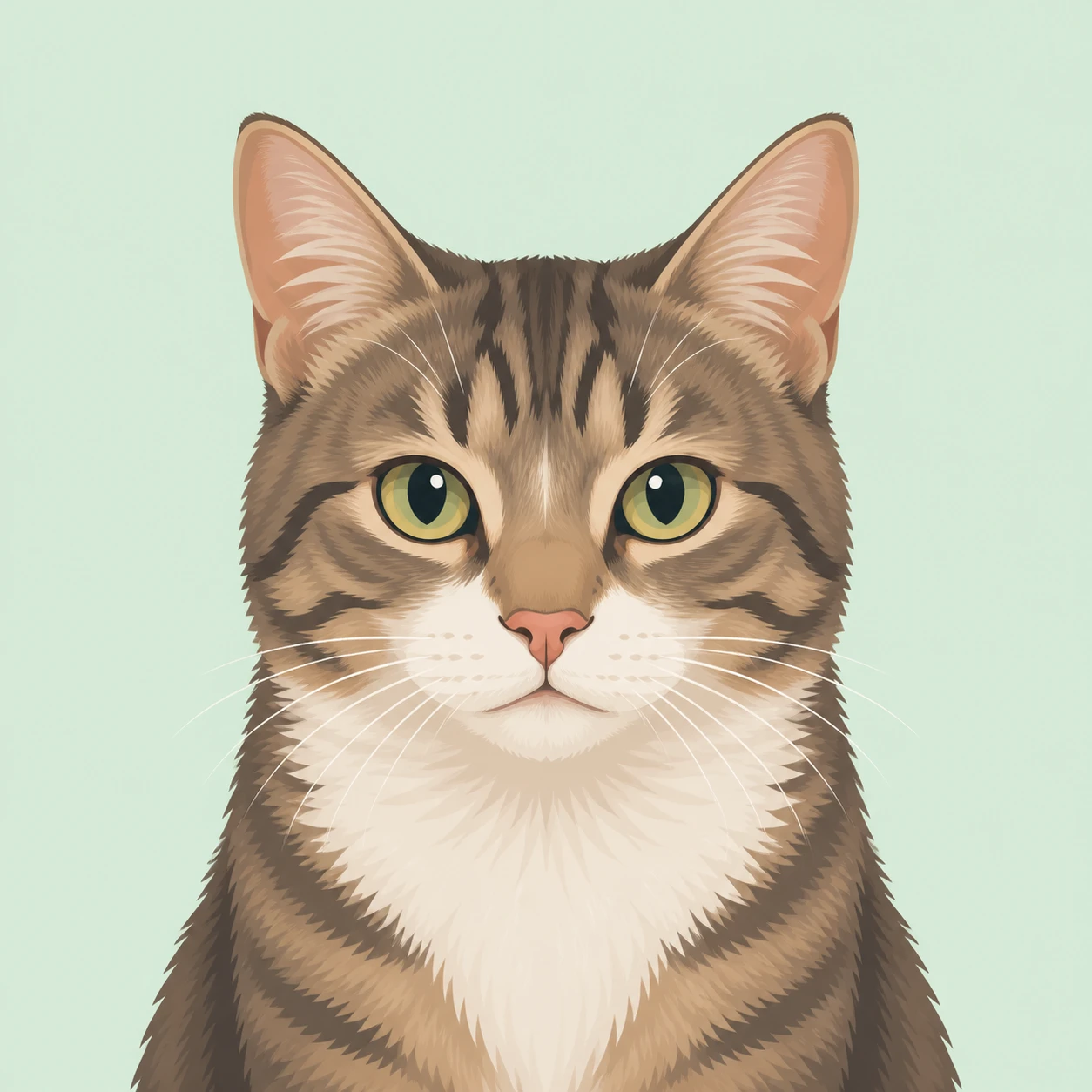
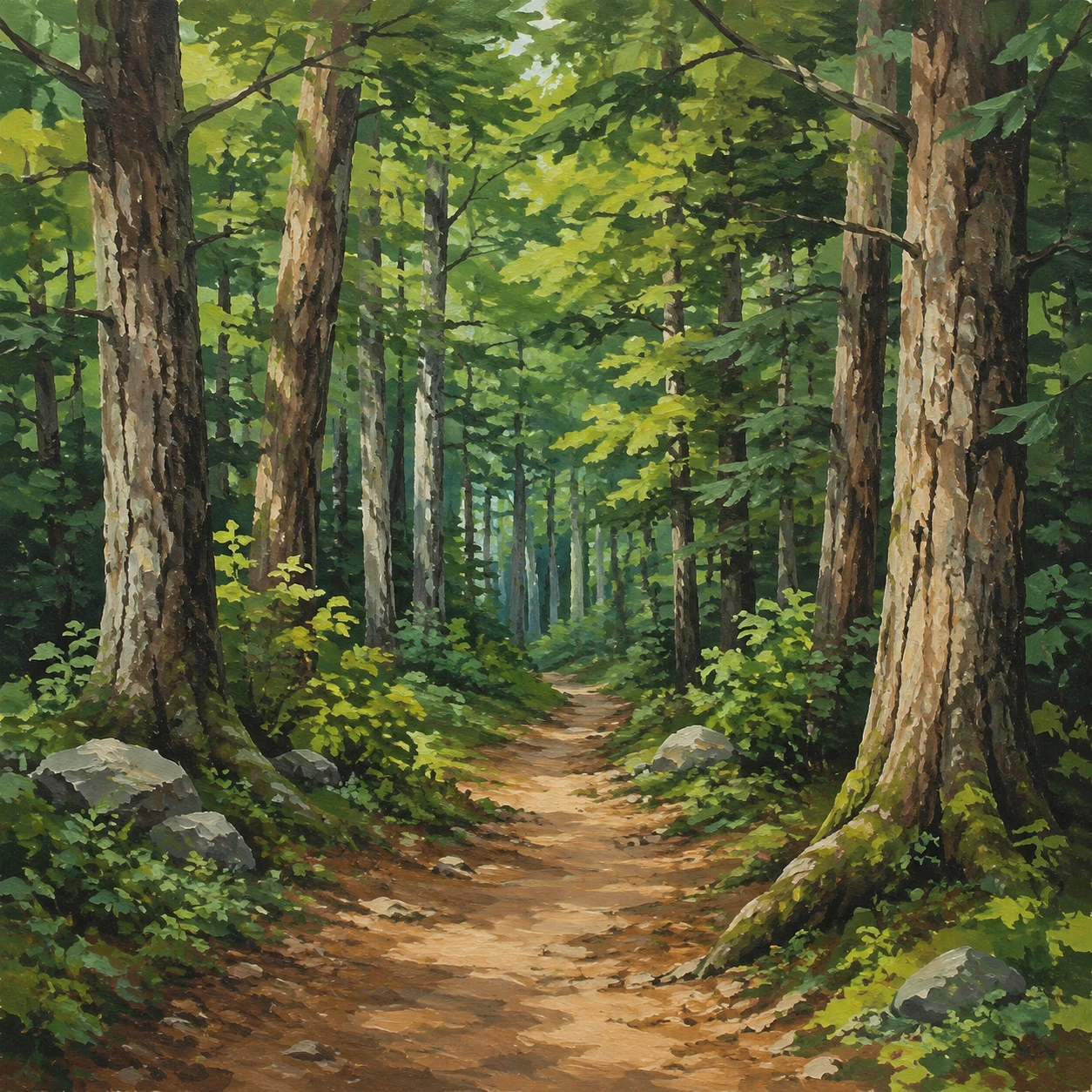
The cat's face fills the picture, so it is still recognisably a cat at 28px. The forest path is a fine picture with depth when seen large, but at 48px the trees and the path start to run together, and at 28px it looks like nothing more than a green circle. The more finely detailed an image is on a big screen, the less it suits a profile picture. Always make the decision at the small size.
Look at it as a circle
Most services crop profile pictures to a circle. Some crop them to a rounded square. Being shown as a plain square is actually rare, so it is safest to assume the corners will be lost.
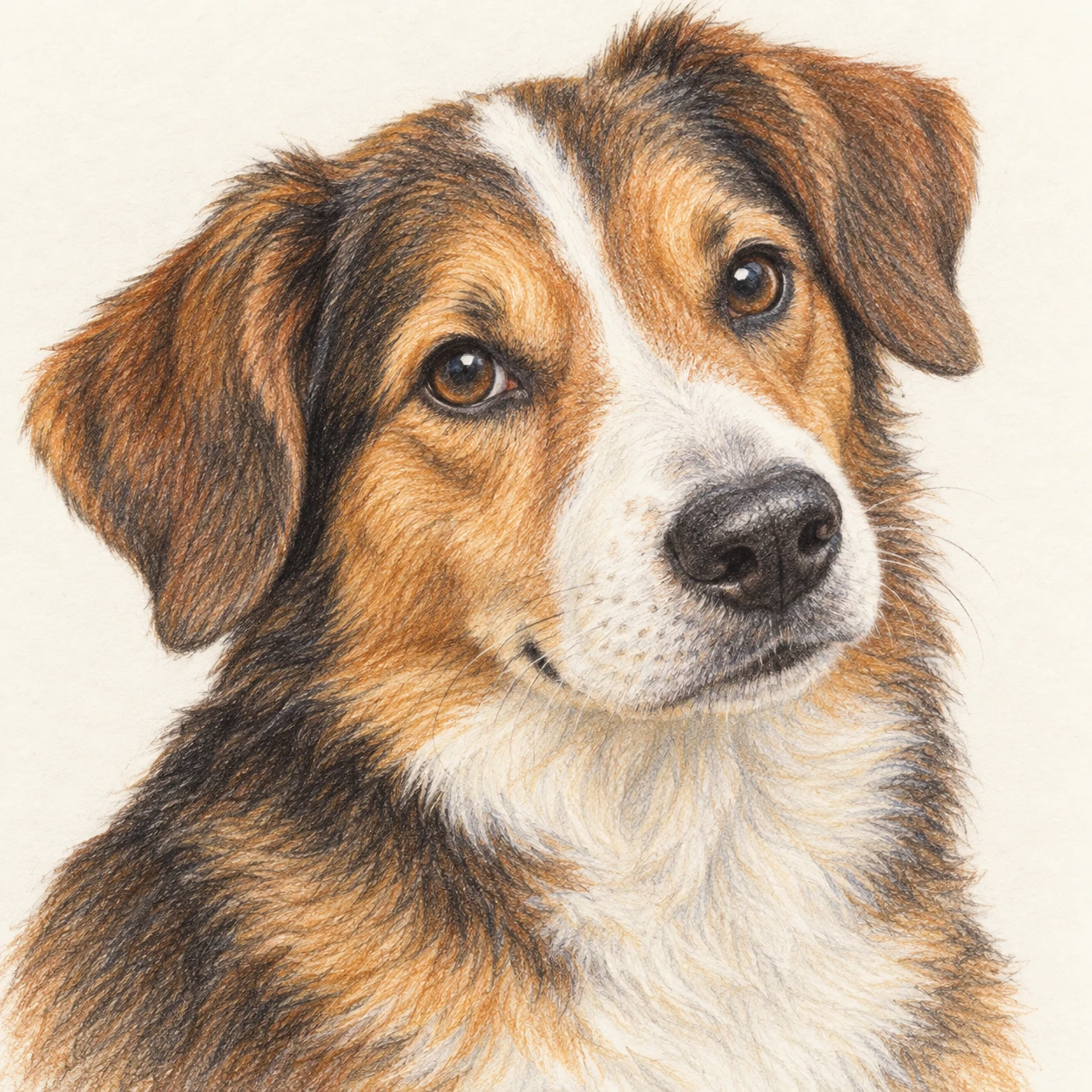
A composition with the face in the centre and room around it holds up whatever shape it is cut to. What to avoid is a composition with the main subject near an edge, or with something meaningful drawn in the corners.
A simple background does more work
The first thing lost at small sizes is the boundary between subject and background. The closer the background is to a single colour, the better the shape holds up when shrunk. If you choose scenery, pick one with few elements and a clear contrast between light and dark.
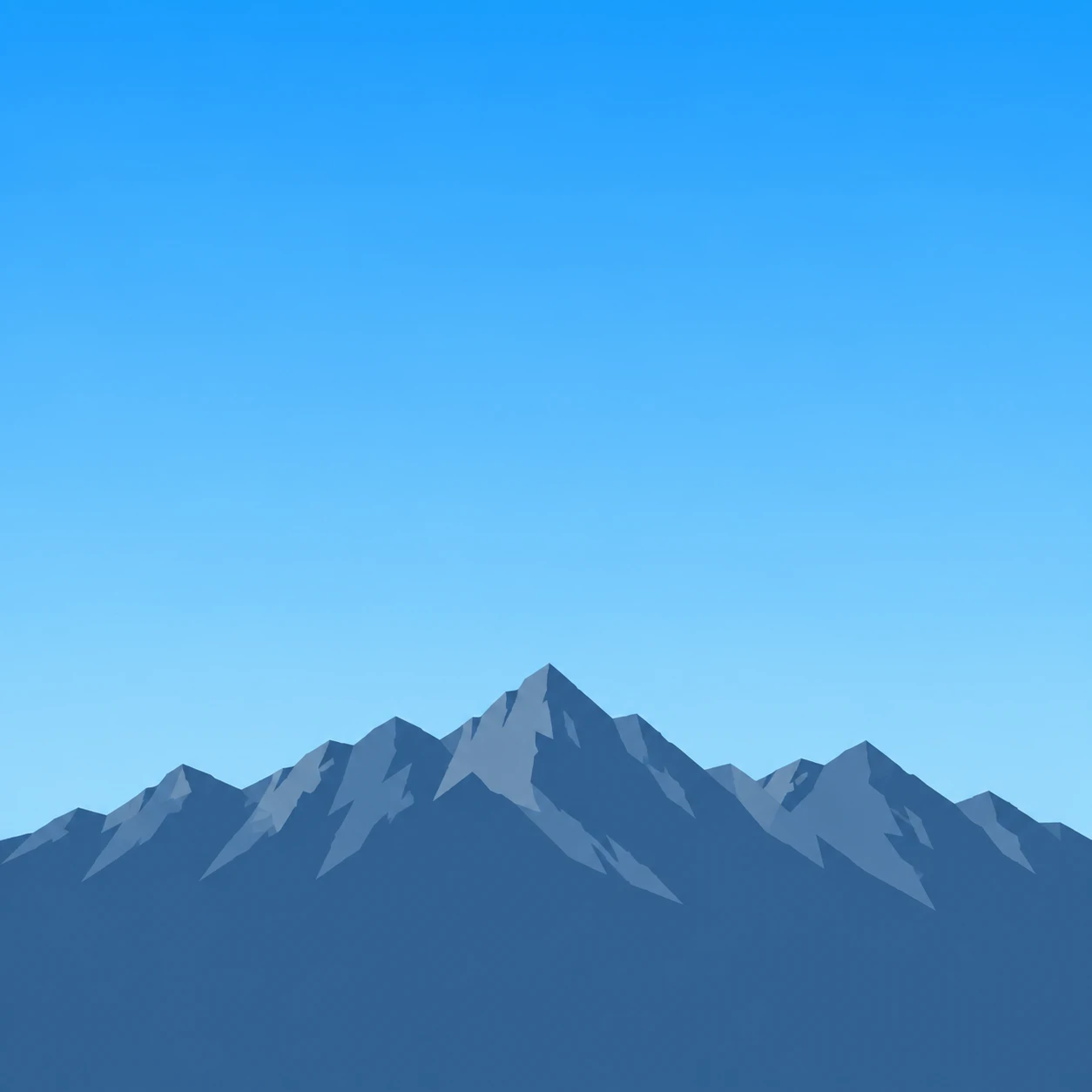
Scenery drawn in the two colours of sky and mountain is still recognisably mountains at 28px. Compared with the forest path above, the difference the number of elements makes is clear.
The direction of the face changes the impression
A figure facing forward reads as sincere and calm; one turned at an angle reads as more animated. If you keep separate accounts for work and hobbies, changing only this is enough to tell them apart. Animals, objects and scenery are an option too. Their advantage is that they fix the impression less firmly than a person does, and make you harder to identify.
Match across services, or vary deliberately
Match them if you want to be recognised as the same person; vary them if you want to keep uses apart. If you match, bear in mind that services crop to different shapes, so check how it looks as both a circle and a rounded square. For matching several images used side by side, “Why several illustrations in one document look mismatched” may also help.
About Visual Hub profile pictures
All the samples above are our profile pictures. They are square, composed with the subject towards the centre on the assumption that they will be cropped to a circle. The asset page shows them as circles, but the file you download stays square, so they also work on services that crop to another shape.